Improving Your Streaming Experience: Tips for Optimal Video Quality and Performance
Rage and frustration are not only something we get in a traffic jam, in a meeting where our bosses are talking about “being a family,” but still never pays our bonuses, or when our team loses the game in the last few seconds. They are also emotions that can arise when we are trying to stream our favorite TV show or movie, only to be met with constant buffering, poor video quality and other interruptions.
But what if I told you that we can end these frustrations and create a smooth and enjoyable streaming experience? With these tips for optimal video quality and performance, you can elevate your streaming game and say goodbye to those rage-inducing interruptions. Let’s get upgraded.
Upgrade Your Streaming Device
If you find yourself experiencing lagging or pixelated video while streaming, it might be time to consider upgrading your streaming device. With technology constantly evolving, older devices may struggle to keep up with the demands of high-quality video streaming.
Investing in a newer streaming device and subscribing to the best iptv service can significantly improve your viewing experience by providing better processing power and enhanced capabilities. Whether you opt for a smart TV, media player, or gaming console, choosing a device that is designed to handle modern streaming services can make a world of difference.
Set up a Stable and Speedy Internet Connection

Seamless streaming needs a good Internet connection. When your internet speed is very slow or unstable, please expect buffering issues and poor video quality that will come right in your face. So, to ensure you have a smooth streaming experience, consider upgrading your internet plan to a higher speed tier. In addition, you might want to reposition your router in a more central location within your home, which can help improve signal strength throughout the house.
Try Using Wired Connection
While Wi-Fi may be convenient, it can sometimes lead to inconsistent speeds and connectivity issues that affect your video quality. But it’d be a different story if you used a high-quality Ethernet cable to securely connect your PC, TV, monitor, or laptop directly to the router. You can finally enjoy a more stable and reliable connection.
This direct link eliminates potential interference from other wireless devices in your home, ensuring smoother streaming without interruptions. Not only does a wired connection provide faster speeds for streaming high-definition content, but it also reduces latency, resulting in a better overall viewing experience.
Close Background Applications
When you’re settling in for a night of streaming your favorite show or movie, the last thing you want is interruptions due to slow performance. And often, it’s because of those background applications running on your device. These apps consume valuable resources and bandwidth, leading to buffering and lower video quality.
To ensure optimal video quality and performance, it’s essential to close any unnecessary background applications before starting your streaming session. By doing this simple task, you free up system resources for smoother playback and a more enjoyable viewing experience.
Adjust Video Settings
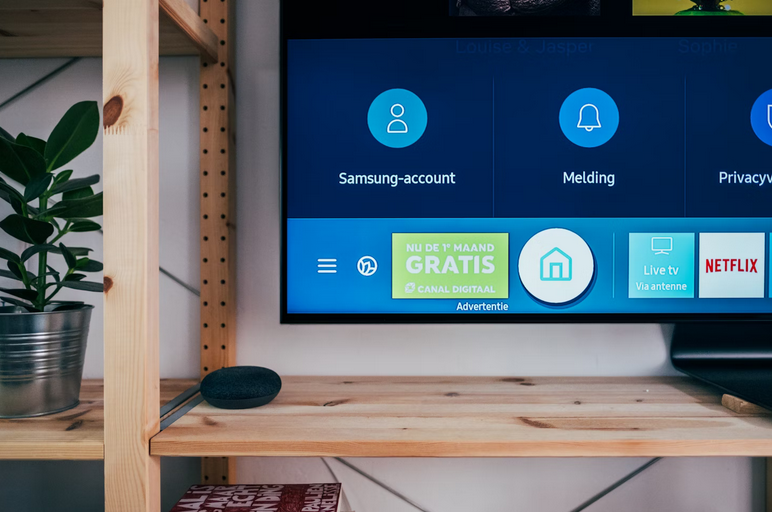
Lastly, did you know that adjusting video settings can really elevate your streaming experience to another new level? By optimizing the resolution, frame rate, and other visual aspects according to your internet speed and device capabilities, you can ensure smoother playback with improved quality.
By following these tips for optimal video quality and performance, you can elevate your streaming experience to new heights. So sit back, relax, and enjoy seamless entertainment with crystal-clear visuals right at your fingertips.…